
A download page can put two very different files a few centimetres apart: the app you would install and the picture that shows what it looks like. On 12 November 2026, the homepage for the Teen Patti Master APK listed the Android package at 62.5 MB and showed a separate lobby preview. Saving the preview in a different format would change neither the package nor the number of bytes inside it.
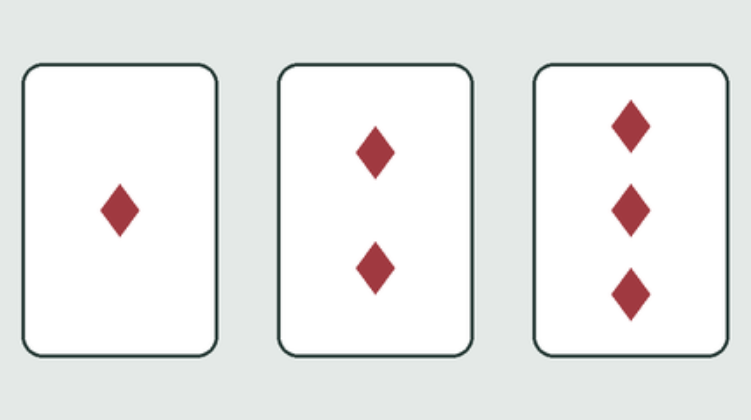
To see what an image editor can change, we drew three white cards on a grey-green background, with one, two and three red diamonds. We exported the same 480 × 240 pixels as an optimized PNG and a lossless WebP. The PNG took 5,808 bytes; the WebP took 2,256. When we decoded both files and compared the red, green and blue values at every, they matched. The smaller file carried the same picture in 61.2% fewer bytes.
Those figures belong to this drawing, not to the game or its preview. Large areas of a single color and repeated shapes make a different test from a photographed table with shadows, wood grain and someone’s sleeve. A screenshot with fine lettering is worth checking at the width at which people will actually read it. Zooming in can hide just how small a label looks in an article.
If you are preparing images for a download guide, put the app size beside the app details. Put a preview’s file size, if readers need it at all, beside that image. Shrinking a graphic helps the page that displays it; it does not give the person reading the guide a smaller app to install.